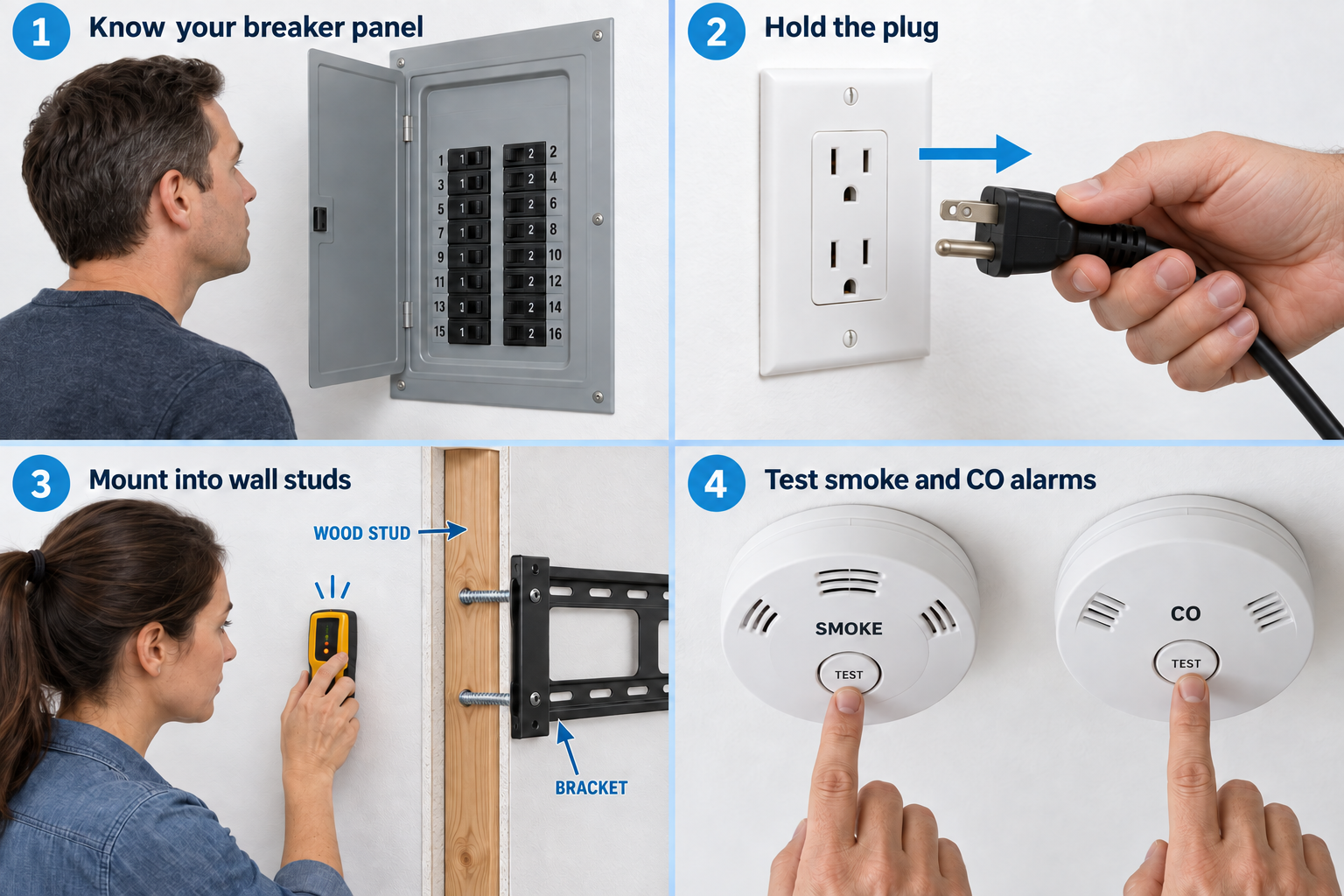
A stud is a structural framing member behind the wall. Many wood studs are called “two-by-fours.”
Why it matters: Drywall alone can crumble under a TV. Screws for attaching drywall sheets are not TV-mount fasteners.
Written guidance reviewed: September 17, 2026 · Sources and equipment assumptions are below.
Take this guide to another device
Steps, notes, supplies, setup choices, results and check dates save on this browser as you work. Plus can also keep an account copy. Account copies update only when you choose Save; loading one replaces the browser draft shown here.
Review all saved work. Saved account check dates appear in My Day. Clear the date and save again to finish a follow-up. Email settings stay separate; existing opted-in agenda or deadline emails can include these dated actions.
Understand the job before starting
Mount limits, wall structure and approved fixings must all match the installation.
A common mistake to avoid
Finding a flat wall does not establish that it can support the TV.
Use what you already have. Check each item when it is ready.
Before you begin
Do not use this as a universal drilling plan. Wall construction, hidden wiring/pipes, bracket loads, and fasteners differ. Heavy TVs need two capable adults.
0 of 5 steps checked0%
Guide progress and notes save on this browser; choose Save account copy above to carry them to another device with Plus. Downloads contain the complete blank checklist; print to include your current checks and notes.
Do it with me
Your step position saves on this browser. Use the picture when available, then check the written result.
STEP 1 OF 5
Identify the wall and bracket
Start here: Identify the mounting system.
Example: Identify the mounting system. Follow the written step.
Read-aloud is available in supported browsers; the written steps always remain available.
Check whether the wall is wood studs, metal studs, masonry, or another construction.
Match TV size, weight, and mounting-hole pattern to the bracket.
Ask an installer if the structure is uncertain.
Before moving to the next step
Check this specific result: My bracket and wall are compatible.
If that result is not true yet, leave the box unchecked. Write what is missing in your notes; use the official instructions below when the equipment or situation differs.
STEP 1 OF 5
Identify the wall and bracket
Start here: Identify the mounting system.
Example: Identify the mounting system. Follow the written step.
Check whether the wall is wood studs, metal studs, masonry, or another construction.
Match TV size, weight, and mounting-hole pattern to the bracket.
Ask an installer if the structure is uncertain.
Before moving to the next step
Check this specific result: My bracket and wall are compatible.
If that result is not true yet, leave the box unchecked. Write what is missing in your notes; use the official instructions below when the equipment or situation differs.
STEP 2 OF 5
Find the structure and hidden risks
Start here: Find the structure and hidden risks
Illustration: Mount into wall studs. Read the steps for your exact task.
Use a suitable stud finder and the bracket instructions to locate the required stud centers.
Do not assume a beep rules out a wire or pipe.
Avoid drilling near electrical/plumbing routes until verified.
A mount can need more than one stud.
Before moving to the next step
Check this specific result: A competent person confirmed the attachment locations.
If that result is not true yet, leave the box unchecked. Write what is missing in your notes; use the official instructions below when the equipment or situation differs.
STEP 3 OF 5
Use rated mounting fasteners
Start here: Check the mounting fasteners.
Example: Check the mounting fasteners. Follow the written step.
Use the manufacturer-specified lag screws/bolts and washers for the actual structure, with its pilot-hole diameter and depth.
A black drywall screw holds a drywall sheet to framing; it is brittle and is not a substitute for a mounting bolt.
Ordinary plastic picture anchors are not TV support.
Before moving to the next step
Check this specific result: The fasteners and pilot holes match the mount instructions.
If that result is not true yet, leave the box unchecked. Write what is missing in your notes; use the official instructions below when the equipment or situation differs.
STEP 4 OF 5
Install and check the locks
Start here: Follow the bracket installation.
Example: Follow the bracket installation. Follow the written step.
Follow every bracket step and tighten to its instructions.
With a helper, hang the TV and engage all safety locks.
Keep cords loose enough for movement without strain.
Arrange professional installation if any step is unclear.
Before moving to the next step
Check this specific result: All bracket locks and structural attachments were checked.
If that result is not true yet, leave the box unchecked. Write what is missing in your notes; use the official instructions below when the equipment or situation differs.
STEP 5 OF 5
Use the right fastener for smaller items too
Start here: Match smaller fasteners too.
Example: Match smaller fasteners too. Follow the written step.
A light picture may use a wall anchor rated for the wall and load.
Install the exact anchor’s pilot hole and screw as directed; do not overtighten and strip it.
For a drywall repair, drive a drywall screw just below the paper surface without tearing the paper.
Neither technique makes it a TV mount.
Before moving to the next step
Check this specific result: I can distinguish drywall screws, light-duty anchors, and structural fasteners.
If that result is not true yet, leave the box unchecked. Write what is missing in your notes; use the official instructions below when the equipment or situation differs.
Pictures for this guide
Picture 1 of 5 · Identify the wall and bracket
Identify the wall and bracket: Find the wall construction. Match the bracket and TV rating.
For: Identify the wall and bracket
Illustrations show examples of the actions above. Follow your equipment’s instructions.
Notes about these pictures
Check whether the wall is wood studs, metal studs, masonry, or another construction. Match TV size, weight, and mounting-hole pattern to the bracket. Ask an installer if the structure is uncertain.
Do not use this as a universal drilling plan. Wall construction, hidden wiring/pipes, bracket loads, and fasteners differ. Heavy TVs need two capable adults.
Was this step clear?
Flag “Identify the wall and bracket” for review. We save the guide and step identifiers with your account to limit duplicates, not your private notes.
What to look for: See how a compatible mount uses suitable structure. Hardware, load limits, wall type, and lifting help must be checked for your own setup.
Link details checked 2026-10-03. Video availability and equipment menus can change.
These YouTube videos belong to their respective creators. Life’s Checklists does not own them and is not affiliated with the creators. Links open on YouTube, where the videos are available independently of our membership.
How to use the video with this guide
Read “Before you begin” first. Watch the relevant part, pause, then return to the written step and its completion check. Use captions and playback speed if they help. A demonstration may cover only part of the task or show different equipment.
Your model’s instructions and current official guidance take priority. For urgent problems, follow the stop instructions without waiting to watch a video.
For this guide, the final result is: I can distinguish drywall screws, light-duty anchors, and structural fasteners.
A concrete way to approach this task
Write down the TV model, mount limits, wall construction, and who will confirm the installation plan.
What if I cannot complete a step?
If wall structure, fixing suitability, or load limits are uncertain, get qualified help before drilling or hanging the television.
Identify the exact step: “Identify the wall and bracket.” Record what you tried, what happened, and which item or model you used. Ask for help with that specific problem rather than repeating an unsafe or unsuccessful action.
Do not use this as a universal drilling plan. Wall construction, hidden wiring/pipes, bracket loads, and fasteners differ. Heavy TVs need two capable adults.
Connect this skill to everyday life
Write down the total move-in cash and monthly costs before applying. Ask which charges are required and which are optional.
Advertised rent is not necessarily the whole monthly cost. A refundable deposit still needs cash now. An application does not mean you have a signed lease.