Use the issuing office’s current process and avoid unnecessary disclosure.
Why it matters: Use the issuing office’s current process and avoid unnecessary disclosure.
Written guidance reviewed: 2026-10-05 · Sources and equipment assumptions are below.
Take this guide to another device
Steps, notes, supplies, setup choices, results and check dates save on this browser as you work. Plus can also keep an account copy. Account copies update only when you choose Save; loading one replaces the browser draft shown here.
Review all saved work. Saved account check dates appear in My Day. Clear the date and save again to finish a follow-up. Email settings stay separate; existing opted-in agenda or deadline emails can include these dated actions.
Understand the job before starting
Use the issuing office’s current process and avoid unnecessary disclosure. A replacement checklist can record where a supporting document is stored without storing its identification number.
A common mistake to avoid
If the usual evidence is missing, contact the issuing office before paying a third-party service.
Words used in this guide
Rent
The amount paid to use someone else’s property for an agreed time. Read the example
Use what you already have. Check each item when it is ready.
Before you begin
Use the responsible organization’s current instructions. These planning steps do not submit paperwork, establish rights, determine eligibility or replace professional advice. Keep private identifiers out of notes.
0 of 4 steps checked0%
Guide progress and notes save on this browser; choose Save account copy above to carry them to another device with Plus. Downloads contain the complete blank checklist; print to include your current checks and notes.
Do it with me
Your step position saves on this browser. Use the picture when available, then check the written result.
STEP 1 OF 4
Identify the issuing office
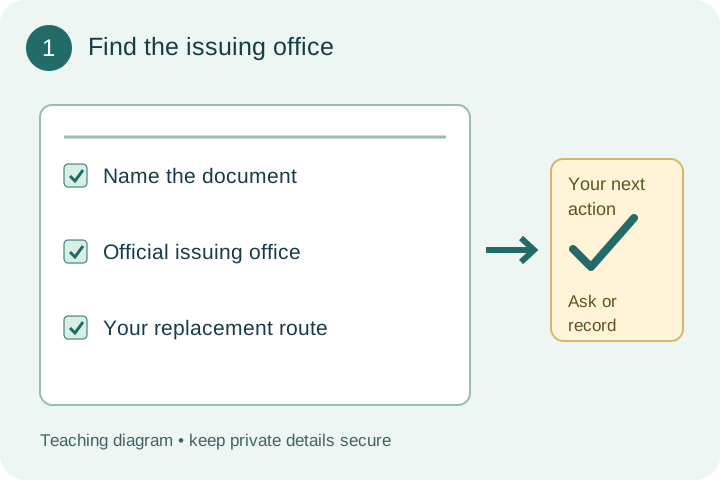
Start here: Find the issuing office
Example: Find the issuing office Follow the written step.
Read-aloud is available in supported browsers; the written steps always remain available.
Name the missing document and locate its issuing organization through an official government directory.
Confirm that the replacement route applies to your situation.
Before moving to the next step
Check this specific result: I identified the issuing office and confirmed that its replacement process fits my situation.
If that result is not true yet, leave the box unchecked. Write what is missing in your notes; use the official instructions below when the equipment or situation differs.
STEP 1 OF 4
Identify the issuing office
Start here: Find the issuing office
Example: Find the issuing office Follow the written step.
Name the missing document and locate its issuing organization through an official government directory.
Confirm that the replacement route applies to your situation.
Before moving to the next step
Check this specific result: I identified the issuing office and confirmed that its replacement process fits my situation.
If that result is not true yet, leave the box unchecked. Write what is missing in your notes; use the official instructions below when the equipment or situation differs.
STEP 2 OF 4
Copy the requirements
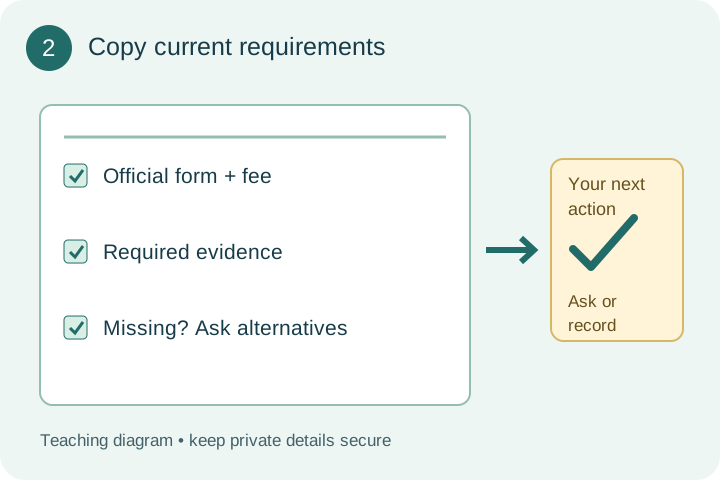
Start here: Copy current requirements
Example: Copy current requirements Follow the written step.
List the current supporting records, official form, fees and appointment requirements.
Ask about acceptable alternatives for missing records.
Before moving to the next step
Check this specific result: I listed the current form, evidence, fees and appointment requirements, including questions about missing records.
If that result is not true yet, leave the box unchecked. Write what is missing in your notes; use the official instructions below when the equipment or situation differs.
STEP 3 OF 4
Prepare the official submission
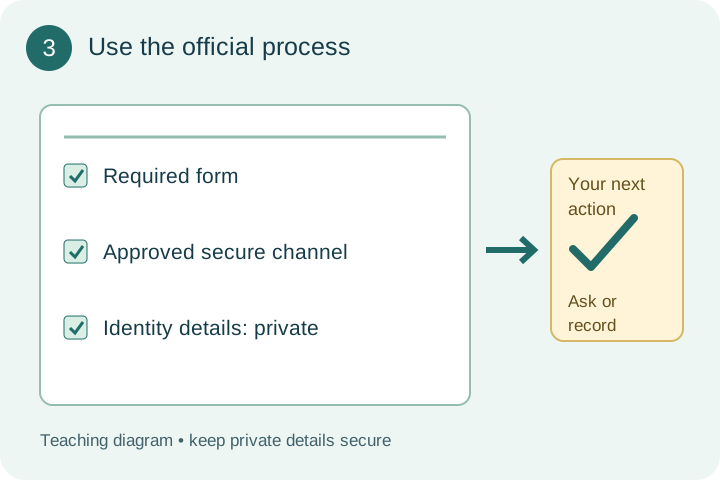
Start here: Use the official process
Example: Use the official process Follow the written step.
Use the office’s required form and approved channel.
Keep identity numbers and document images in its secure process; this worksheet records only preparation.
Before moving to the next step
Check this specific result: I prepared the required form and approved secure submission route without adding private numbers to my planner.
If that result is not true yet, leave the box unchecked. Write what is missing in your notes; use the official instructions below when the equipment or situation differs.
STEP 4 OF 4
Keep the receipt and next contact
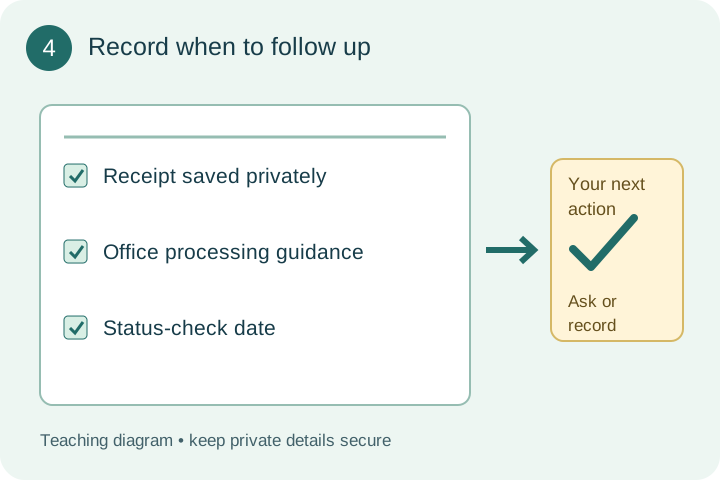
Start here: Record when to follow up
Example: Record when to follow up Follow the written step.
Store the receipt privately, note processing information supplied by the office and record when to check status.
Confirm a time-sensitive need directly.
Before moving to the next step
Check this specific result: I kept the receipt privately and recorded the office’s processing guidance and status-check date.
If that result is not true yet, leave the box unchecked. Write what is missing in your notes; use the official instructions below when the equipment or situation differs.
Pictures for this guide
Picture 1 of 4 · Identify the issuing office
Step 1: Find the issuing office. Check name the document, official issuing office, and your replacement route. Original teaching diagram.
For: Identify the issuing office
Illustrations show examples of the actions above. Follow your equipment’s instructions.
Notes about these pictures
Name the missing document and locate its issuing organization through an official government directory. Confirm that the replacement route applies to your situation.
Use the responsible organization’s current instructions. These planning steps do not submit paperwork, establish rights, determine eligibility or replace professional advice. Keep private identifiers out of notes.
Was this step clear?
Flag “Identify the issuing office” for review. We save the guide and step identifiers with your account to limit duplicates, not your private notes.
A specific companion has not been selected for this new guide yet. You can search for related demonstrations; search results have not been reviewed by Life’s Checklists.
These YouTube videos belong to their respective creators. Life’s Checklists does not own them and is not affiliated with the creators. Links open on YouTube, where the videos are available independently of our membership.
How to use the video with this guide
Read “Before you begin” first. Watch the relevant part, pause, then return to the written step and its completion check. Use captions and playback speed if they help. A demonstration may cover only part of the task or show different equipment.
Your model’s instructions and current official guidance take priority. For urgent problems, follow the stop instructions without waiting to watch a video.
Finish the job and know what to do next.
For this guide, the final result is: I kept the receipt privately and recorded the office’s processing guidance and status-check date.
A concrete way to approach this task
A replacement checklist can record where a supporting document is stored without storing its identification number.
What if I cannot complete a step?
If the usual evidence is missing, contact the issuing office before paying a third-party service.
Identify the exact step: “Identify the issuing office.” Record what you tried, what happened, and which item or model you used. Ask for help with that specific problem rather than repeating an unsafe or unsuccessful action.
Use the responsible organization’s current instructions. These planning steps do not submit paperwork, establish rights, determine eligibility or replace professional advice. Keep private identifiers out of notes.
Connect this skill to everyday life
Identify the receiving organization and ask for its exact document requirements before gathering copies. Make a list of document types and where originals are kept.
A copy, a certified copy, and an original are different. A planning template does not replace an official form when one is required.
A useful record for this task: Keep the result of keep the receipt and next contact, including the confirmed answer, remaining question and next contact.
When finished, record the result and any next check or follow-up date. Your original step checks and notes remain on this browser.
Keep the result of your work
Finish and check every step before recording completion. You can write a draft below now.
Result: Not recorded · Next check: Not chosen
Choose a date from your own manual or situation. No email is enabled by saving this record.